









In the ever-evolving world of gaming, having a powerful gaming PC can make all the difference. Whether you’re a casual gamer or a hardcore enthusiast, the right setup can enhance your experience and performance. Building your own gaming PC not only allows for customization but also provides a sense of achievement. This guide will walk you through the essential components, considerations, and steps for building your ultimate gaming machine.
Understanding the Components
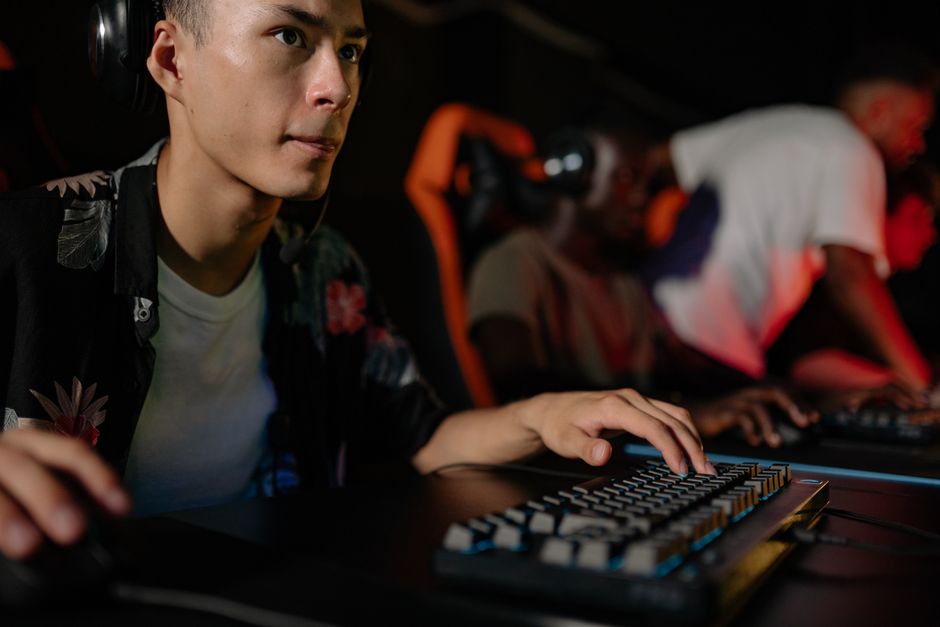
Before diving into the building process, it’s crucial to understand the core components that make up a gaming PC. The primary parts include the CPU, GPU, motherboard, RAM, storage, power supply, and casing. Each component plays a vital role in the overall performance of your setup.
The Central Processing Unit (CPU) is often referred to as the brain of the computer. It handles all the computations and processing tasks. For gaming, a powerful CPU ensures that your games run smoothly and efficiently. Popular choices include Intel’s Core i7 and AMD’s Ryzen 7 series.
The Graphics Processing Unit (GPU) is another critical component, particularly for gaming. It renders the graphics in games and significantly affects the visual performance. High-end GPUs like NVIDIA’s RTX series or AMD’s Radeon RX series can provide stunning graphics and frame rates.
Choosing the Right Parts
When selecting parts for your gaming PC, compatibility is key. Make sure that the motherboard supports the CPU and RAM you choose. Additionally, the GPU must fit within the case and be compatible with the motherboard’s PCIe slots.
For RAM, 16GB is the minimum recommended for gaming, while 32GB provides a more future-proof solution. Opt for high-speed RAM, as it can enhance performance in certain games.
Storage is another important aspect. Solid State Drives (SSDs) offer faster load times compared to traditional Hard Disk Drives (HDDs). A combination of both can provide ample storage while maintaining speed. Consider an NVMe SSD for optimal performance.
Building Process: Step by Step
Once you have all your components, it’s time to build your gaming PC. Start by preparing your workspace and ensuring you have all necessary tools, such as a screwdriver and anti-static wrist strap.
Begin with the motherboard. Install the CPU and RAM first, followed by the CPU cooler. Next, place the motherboard into the case and secure it with screws. After that, install the power supply and connect the necessary cables.
Once the motherboard is powered, install the GPU into the appropriate slot and connect any additional power cables. After all components are installed, double-check your connections before closing the case.
Post-Build Setup and Optimization
After successfully building your gaming PC, it’s time for the initial setup. Connect your monitor, keyboard, and mouse, and power on the system. Enter the BIOS to ensure all components are recognized and set the boot order to prioritize your storage drive with the operating system.
Once the OS is installed, optimize your system by installing essential drivers, particularly for the GPU. Regular updates will help maintain performance and stability.
Additionally, consider using optimization software to manage your system’s resources effectively. This step can help you achieve the best performance while gaming.
Future-Proofing Your Gaming PC
As technology advances, it’s wise to consider future upgrades. Choose a power supply with a higher wattage to accommodate future components, and ensure your motherboard has enough slots for additional RAM or storage.
Regularly check for updates on hardware and software to stay ahead. Communities and forums can provide valuable insights into upcoming technologies and trends in gaming.
For those unsure about which components to choose, utilizing a gaming PC builder can simplify the selection process. These tools allow you to compare parts and ensure compatibility, making your building experience smoother.
Conclusion
Building your own gaming PC can be a rewarding and educational experience. By understanding the components, selecting the right parts, and following a structured building process, you can create a powerful machine tailored to your gaming needs. Remember to stay informed about the latest technologies and keep an eye on future-proofing your setup. With the right approach, your gaming PC can provide an exceptional gaming experience for years to come.